

The problem with negative reviews
A single negative review on Google can drive away dozens of potential customers. In an industry as competitive as restaurants, your online reputation has become as important as the quality of your food. Consumers systematically check reviews before booking, and one negative comment can be enough to change their mind.
of consumers read online reviews before choosing a restaurant. A rating below 4 stars can reduce your foot traffic by 30%.
Why do negative reviews hurt so much?
Negativity bias means consumers give more weight to negative experiences than positive ones. A restaurant with 50 five-star reviews and 3 one-star reviews will be perceived as less reliable than one with 30 four-star reviews and no negative feedback. It's unfair, but it's the reality of the market.
Types of negative reviews
Not all negative reviews are equal. It's important to distinguish between:
- 1 Constructive criticism — A customer disappointed by a dish or the service. These are useful feedback for improvement.
- 2 Emotional reviews — A customer who had a bad day and is exaggerating. The tone is often disproportionate.
- 3 Fake reviews — Competitors, disgruntled former employees... Fortunately, Google is getting better at detecting these.
The impact on your business

Beyond lost customers, unmanaged bad reviews impact your morale and your team's. They also give a skewed image of your establishment to new customers who don't know you yet.
Many restaurant owners wonder if it's possible to delete a negative Google review. The answer is no, except in cases of spam or hateful content. Rather than trying to remove negative reviews, the right strategy is to drown them out with a volume of positive reviews and respond to them professionally.
Impact on local SEO
Google takes into account average rating and review volume to rank restaurants in local results. A restaurant with a 4.5 rating and 200 reviews will consistently outrank one at 3.8 with 50 reviews, even if the latter has better food. That's the game of online visibility.
Available solutions
Several approaches exist to take back control of your reputation. The key is to be proactive rather than reactive when it comes to reviews.
1. Respond to every review systematically
Every review deserves a response, whether positive or negative. Potential customers read your responses as much as the reviews themselves. A professional and empathetic response to a negative review can even turn a bad experience into a positive.
Tip
Always respond within 24 hours. Thank the customer for their feedback, apologize if necessary, and offer a concrete solution. Never be aggressive or defensive in your responses.
2. Actively solicit positive reviews

The majority of your satisfied customers don't think to leave a review on their own. An unhappy customer, on the other hand, will almost always share their frustration. This asymmetry creates a skewed picture of your restaurant.
The solution: automate review requests after each visit. A simple email sent at the right time (2 to 4 hours after the meal) is enough to trigger a response. The average response rate is between 15% and 25%, which can mean dozens of additional reviews each month.
The key is making the process as simple as possible for the customer: one click, a rating, and done. The smoother the journey, the higher the conversion rate.
3. Filter sentiment before publication
The most effective approach is to gauge customer sentiment before redirecting them to a review platform. If the customer is satisfied, they're sent to Google or Facebook. If they're dissatisfied, their feedback is captured internally so you can respond personally, without impacting your public rating. This is exactly the principle behind automated review collection.
How ReservFlow helps
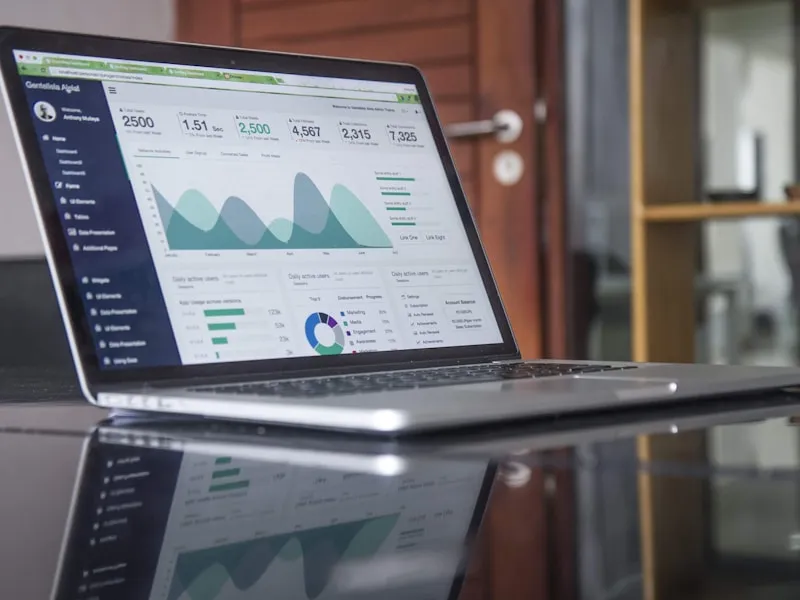
With the Review Collection option at €5/month, ReservFlow automates the entire process of managing your online reputation.
No more manual requests, sticky notes, or QR codes on the table. The system handles everything: it identifies customers who booked, sends a personalized email, analyzes sentiment, and intelligently redirects to the right platform.
Here's how it works in practice:
Automatic post-visit email
An email is automatically sent to the customer after their visit (configurable delay). No manual action required on your part.
Sentiment analysis
The customer indicates their satisfaction level. The system analyzes their response to determine whether they're satisfied or not.
Smart redirection
Satisfied customer → redirected to Google or Facebook for a public review. Dissatisfied customer → feedback recorded internally.
Back office tracking
Find all feedback (positive and negative) in your dashboard. Statistics, conversion rates, trends.
Review Collection option — €5 excl. tax/month
Automatic sending, sentiment analysis, conditional redirection to Google/Facebook, internal negative feedback management, comprehensive statistics.
Discover the option in detail