
Why digitalize your reservations
The phone rings, you're in the middle of service, no one can pick up. A potential customer hangs up and books at a competitor with two taps on their smartphone. This scenario plays out every day in thousands of restaurants that haven't yet set up online booking.
Going digital doesn't mean abandoning the phone or losing the human touch. It means offering an additional channel to your customers — the one they increasingly prefer — while saving time and reducing errors.
of reservations are made between 10 PM and 10 AM — hours when your restaurant is closed. Without online booking, these customers turn to a competitor.
What digitalization actually changes
Online booking transforms both your customers' experience and your daily operations as a restaurateur:
- ✓ Available 24/7 — Your customers book whenever they want, including at night, on weekends, or during service hours.
- ✓ Reliable data — Customers enter their own information: name, party size, time. No more miscommunications over the phone.
- ✓ Automatic confirmations and reminders — Customers receive an instant confirmation email and reminders before their visit. No more manual follow-ups.
- ✓ Customer database — Every reservation automatically enriches your customer records (visit history, preferences, frequency).
- ✓ Analytics — Peak days, busiest time slots, cancellation rates — valuable data to steer your business.
Steps for the transition
Switching from a paper notebook to a digital system doesn't happen overnight, and you don't need to change everything at once. Here's a proven, gradual approach.
Choose your booking tool
Pick software that fits your size and budget. Make sure it offers an embeddable widget, automatic reminders, and service-based management. Opt for a flat-rate model with no commissions to keep costs under control.
Set up your services and time slots
Define your services (lunch, dinner, brunch), opening hours, capacity per time slot, and booking policies (automatic or manual approval, cancellation rules).
Integrate the booking widget
Add the booking module to your website, Google listing, and social media profiles. This is the main entry point for your online customers.
Transition gradually
Start by entering phone reservations into the software instead of the notebook. Over time, the notebook naturally disappears as online volume grows.
Don't cut the phone line
Online booking doesn't replace the phone — it complements it. Some customers, especially older ones or those with specific requests, will always prefer to call. The goal is to reduce call volume, not eliminate it.
Where to integrate online booking
The more accessible you make online booking, the more customers you capture. Here are the key channels to activate.
Your website
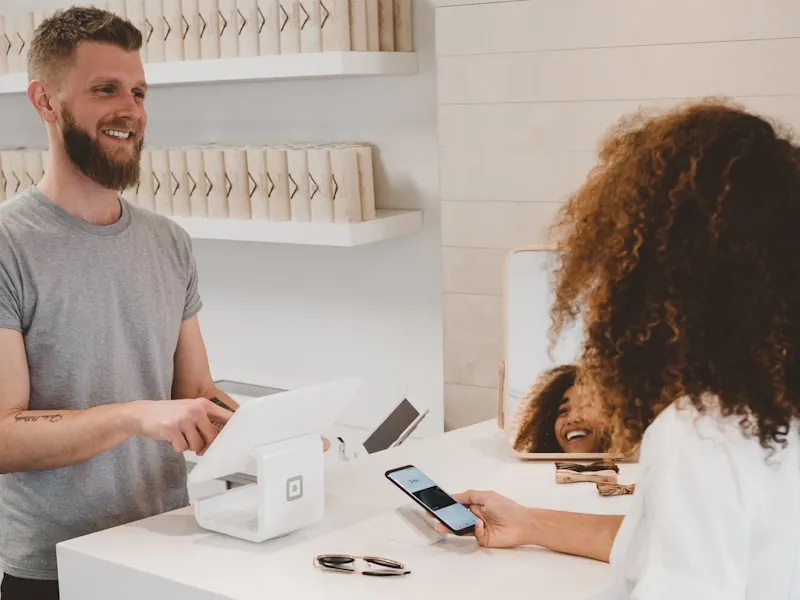
This is the most natural place to embed a booking widget. Visitors to your site can book instantly without leaving the page. A prominent "Book" button at the top, an embedded form in a dedicated section — the possibilities are endless.
If you don't have a website, ReservFlow offers a turnkey website option at €29/month with the booking widget built right in.
Widget integration is straightforward: a snippet of code to paste on your site, or a link to share if you don't have one.
Your Google Business Profile
70% of restaurant searches go through Google. Adding a booking button directly to your Google listing lets customers reserve in one click from search results or Google Maps, without needing to visit your website.
This is one of the most powerful channels and often the most underutilized. A simple booking link added to your listing can significantly increase your online reservation volume.
Your social media
Instagram and Facebook let you add an action button ("Reserve") directly on your profile. When a customer discovers your restaurant through a photo on Instagram, they can book immediately without leaving the app. This seamless flow reduces friction and boosts conversions.
How ReservFlow simplifies the transition
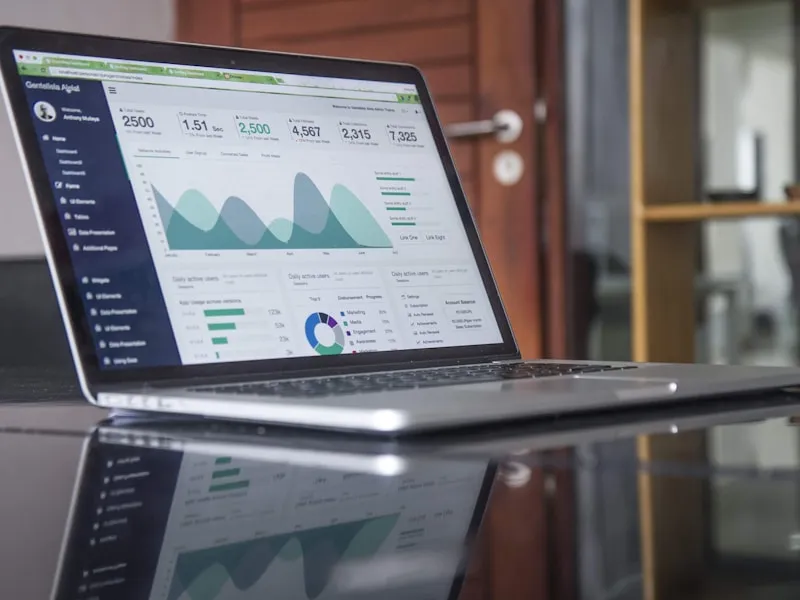
ReservFlow is designed to make the digital transition as simple as possible, even if you're not tech-savvy.
The booking widget integrates with your website, Google listing, and social media. It's customizable to match your restaurant's branding and automatically adapts to all screen sizes (desktop, tablet, smartphone).
The mobile app (PWA) lets you manage reservations from your smartphone with real-time push notifications. Accept, modify, or decline a reservation with a single tap, wherever you are.
ReservFlow — Turnkey digitalization
Customizable booking widget, website + Google + social media integration, automatic reminders, mobile app, customer profiles. €39/month all-inclusive, no commissions.